Files.com alternative for white-label file sharing
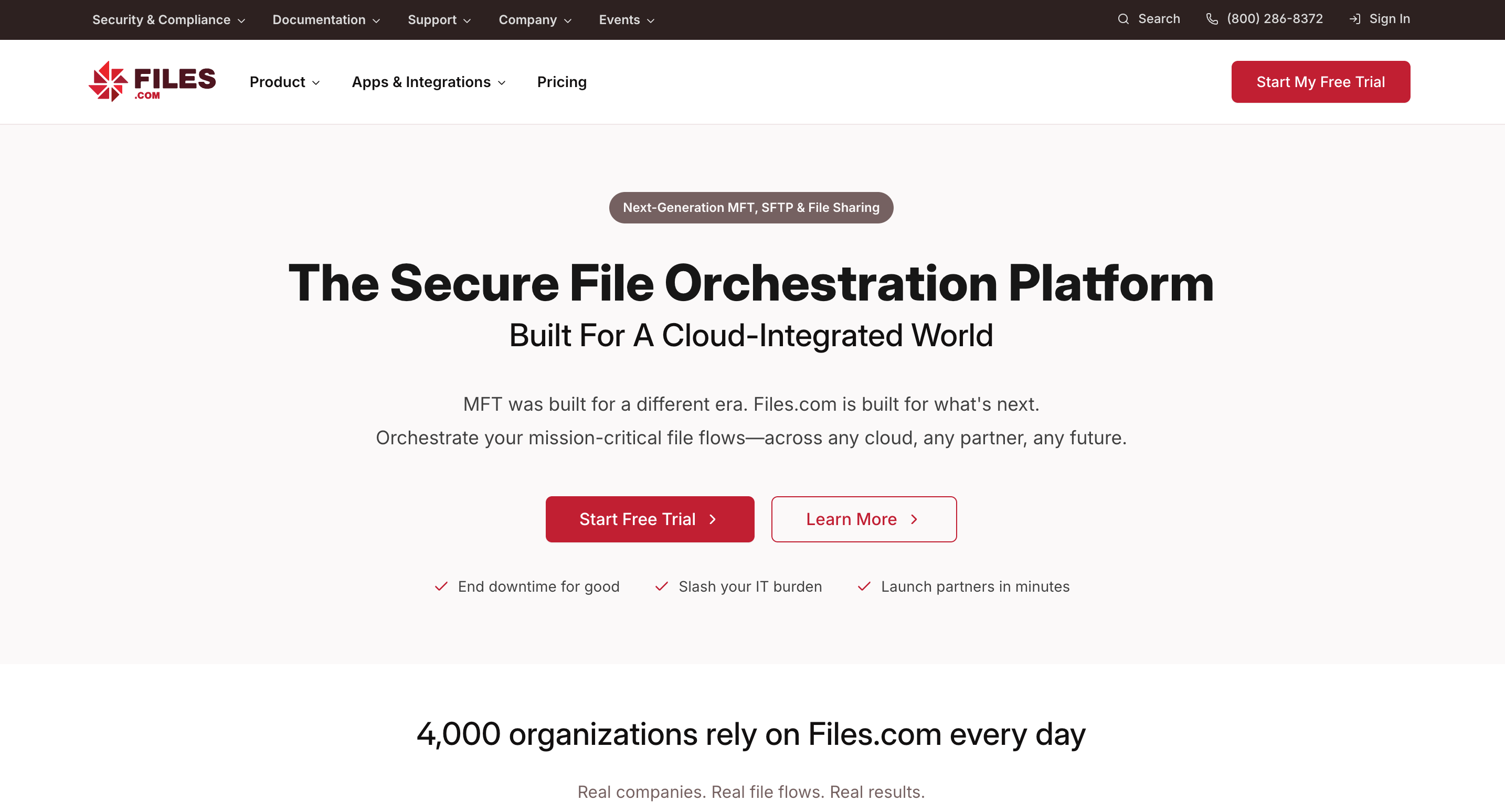
Files.com is a serious enterprise file orchestration platform with deep white-label branding, custom domain, SMTP integration, watermarking, and compliance features used by 4,000+ organisations. It is built for IT and operations teams that automate file workflows at scale. For agencies and studios that want branded client file sharing, the Starter plan at $199/month lacks custom domain entirely, and the Power plan at $499/month is priced for enterprise workflows rather than agency file delivery.

Tarkle
White-label file sharing for client-facing businesses

Files.com
Enterprise cloud file management and workflow automation
Alternatives
Files.com alternative for white-label file sharing
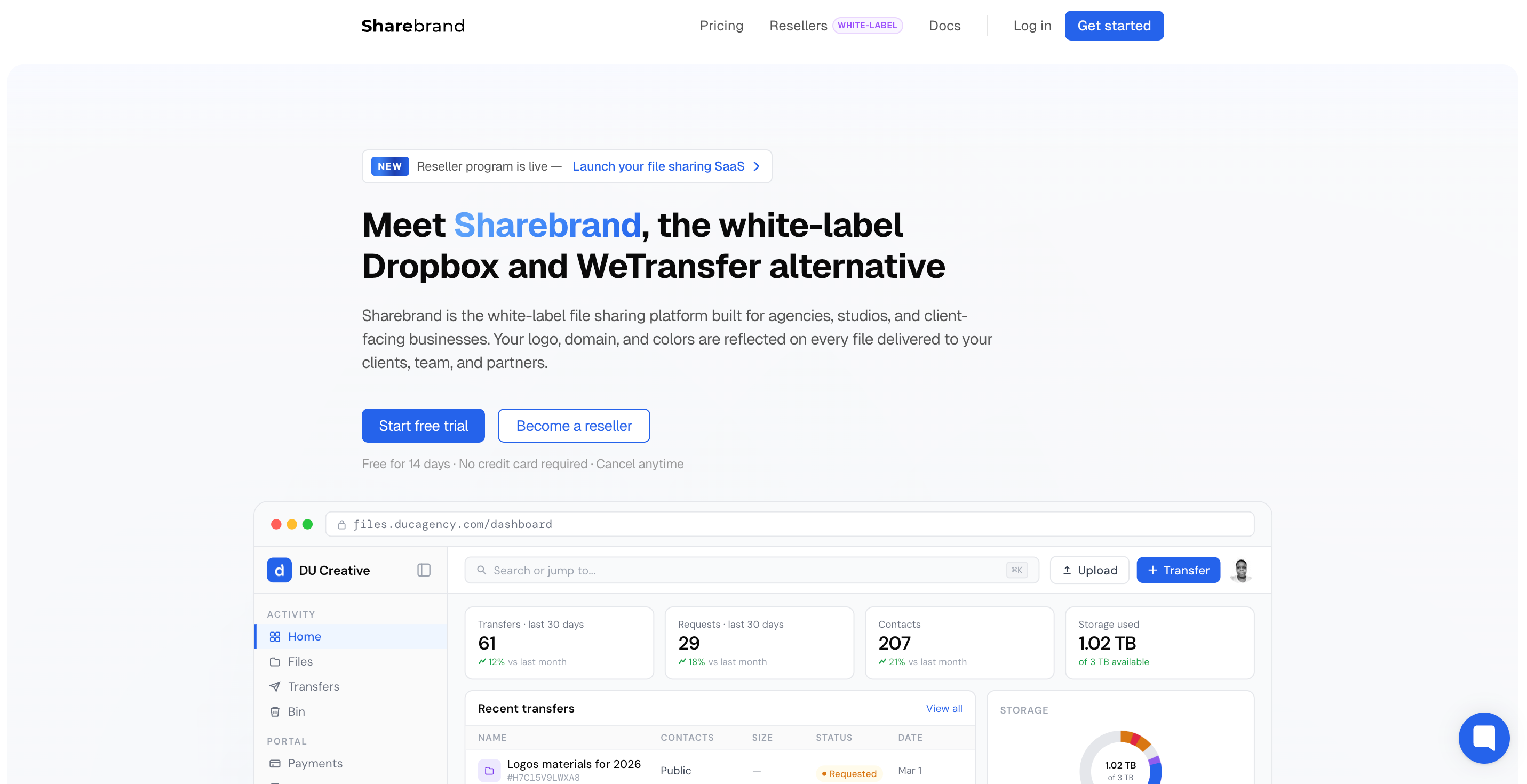
Files.com is enterprise file orchestration infrastructure. Sharebrand is self-serve branded file sharing for client-facing teams.
Files.com (formerly BrickFTP) is a cloud-based file management platform serving 4,000+ organisations. Its headline position in the white-label file sharing market comes from a genuine capability: custom domains, custom SMTP so all emails come from your domain, branded login pages, custom colour schemes, logo placement, watermarks, and the ability to embed file intake forms on your own website. It supports FTP, SFTP, WebDAV, and HTTPS access alongside automation workflows, S3/Azure/Google Cloud integrations, and connections to 50+ storage backends.
Files.com targets IT teams, data engineers, and operations professionals who need to automate mission-critical file transfer workflows between systems, maintain audit logs for compliance, and manage file access across vendors and partners. Healthcare, finance, media, and technology organisations rely on it for regulated, automated file movement rather than occasional file sharing.
Files.com now publishes two self-serve pricing tiers. Starter is $199 per month for 10 full users, 50 automated inbound connections, and 2 outbound connections. Custom domain is not included on Starter — share links reflect Files.com's own infrastructure. Power is $499 per month and adds custom domain, dedicated IP, custom SMTP, custom watermarking, GPG encryption, SSO/SAML, and IP allowlisting. Enterprise is custom-quoted for larger teams. For a small agency wanting branded file sharing, the entry point for a custom domain is $499 per month.
What Files.com does well
Files.com's enterprise feature set is genuinely deep. Custom domain, custom SMTP, branded login pages, document watermarks, and customisable share link pages make it one of the most thorough white-label implementations in the market. All outbound communication can come from your domain, including system-generated emails, so the end-to-end experience never surfaces Files.com as a third party.
Workflow automation is where Files.com separates from simpler file sharing tools. Event-driven automations trigger actions when files are added, moved, renamed, or deleted. No-code workflow tools let organisations build reliable file movement between systems without developer involvement. Seven SDKs support deep custom integrations. SFTP, FTP, WebDAV, and HTTPS protocol support means it connects to virtually any legacy or modern system.
Security and compliance credentials are strong: encryption at rest and in transit, four types of two-factor authentication, nine SSO integrations, an A+ Qualys SSL rating, SOC 2 compliance, and HIPAA-ready configurations. External collaborators can send and receive files without a Files.com account using custom inboxes and public folders.
Where Files.com falls short for agencies and studios
Files.com was designed for IT teams managing automated file transfer workflows between systems. Each limitation below reflects that focus rather than a product weakness.
Custom domain requires the $499/month Power plan
Files.com publishes two self-serve tiers. The Starter plan at $199/month does not include a custom domain — share links are on Files.com's own infrastructure. Custom domain, dedicated IP, custom SMTP, and custom watermarking are all Power plan features at $499 per month. A user review on SoftwareAdvice noted specifically that the product moved custom domain to a higher tier: "It used to allow a custom domain on the basic plan but now it's only at the higher plan. They changed it for us after many years so it is a big deal in our case." For an agency wanting branded URLs on client-facing links, the minimum entry point is $499 per month — seventeen times Sharebrand Starter.
$199/month for the Starter plan without custom domain
Files.com Starter is $199 per month or $2,099 per year for 10 full users, 50 automated inbound connections, and 2 outbound connections. This tier does not include custom domain, custom SMTP, watermarking, SSO, or IP allowlisting. The Power plan at $499 per month adds all of those features along with GPG encryption and geographic access controls. Enterprise is custom-quoted. A five-person creative studio does not need automated inbound connections, outbound system connections, or the compliance and protocol infrastructure that justifies these prices.
No file payment gate
Files.com has no feature for charging recipients before they download files. For studios and agencies that sell digital assets or want to monetise file access, this capability is absent.
Built for technical users
Files.com's breadth of configuration options, protocol support, and automation tools require technical expertise. Setup is not a ten-minute task. For a studio that wants to brand a file portal and start sharing, the configuration surface area is overhead.
Who actually needs a Files.com alternative
Files.com is the right tool for IT and data teams automating regulated file movement between enterprise systems. The businesses that need something different are client-facing agencies and studios whose primary need is a clean branded experience on every file they send.
Design agencies, photography studios, video production companies, and marketing firms that deliver work to clients and want those deliveries to carry their own domain and brand. Freelancers who want clients to receive files at their name, not a third-party platform's. Any team that wants self-serve branded file sharing operational in under ten minutes without a sales call or infrastructure project.
Files.com pricing vs Sharebrand pricing
Files.com publishes two self-serve pricing tiers. Starter is $199 per month (or $2,099 per year) for 10 full users, 50 automated inbound connections, and 2 outbound connections — but does not include custom domain, custom SMTP, watermarking, or SSO. Power is $499 per month (or $5,269 per year) for 20 full users, 100 automated inbound connections, 5 outbound connections, and all branding features including custom domain, dedicated IP, custom SMTP, custom watermarking, GPG encryption, and geographic access controls. Enterprise is custom-quoted. A 7-day free trial is available with no credit card required. Files.com also offers a 90-day money-back guarantee on paid plans.
Sharebrand Starter is $29 per month flat for up to five team members with 3 TB of pooled storage, a custom domain, a brand portal, and a file payment gate. Pro is $59 per month for up to ten members and 6 TB. Annual billing saves two months. All features are available from day one without a sales conversation.
The entry point for a custom domain on Files.com is the Power plan at $499 per month — seventeen times the cost of Sharebrand Starter. For an IT team running automated file workflows across enterprise systems, that price is justified by the protocol support, automation engine, and compliance tooling. For an agency wanting a branded client file sharing experience, it is the wrong scope of product at the wrong price.